
Divide Your Online Life
Compartmentalization 101
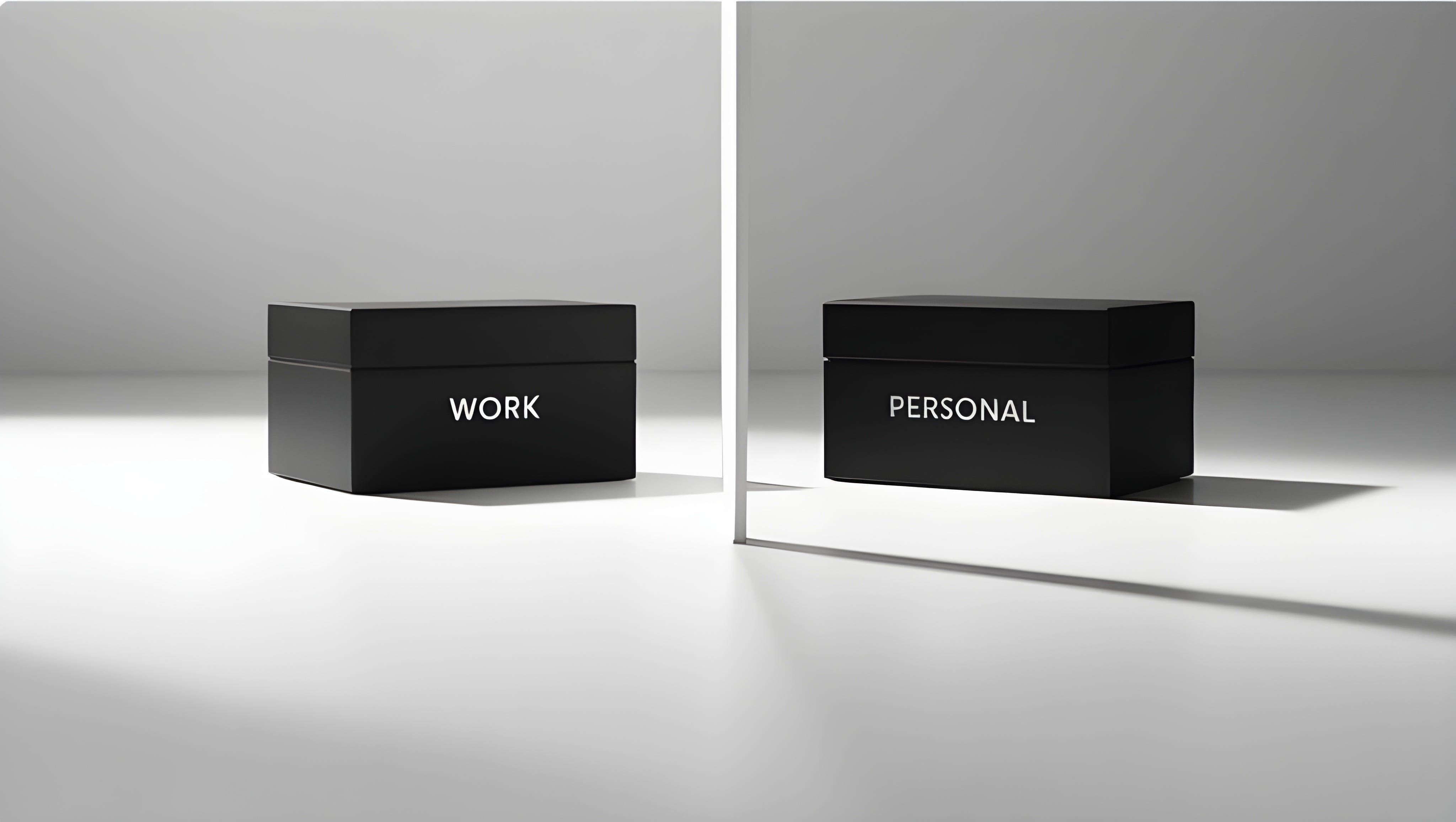
You often hear an advice to not put all eggs in one basket.
It is usually mentioned with services that do multiple things for you, like Proton Suite.
You understand the risk - especially if there are metadata associated with the service and it is not local first.
However, you use one phone and one computer for your internet browsing, one browser and one inbox (even with aliases) to receive all your emails.
“And what, all of it is privacy-first and encrypted.”
You can use this approach and call it a day. If you’re reading this, you probably have better privacy than 99% of people.
But if you want to go a step further, this is for you.
This won’t be as technical, but rather exploring the options and possibilities.
Still reading?
Let’s dive into multiple levels of compartmentalization.
Devices
Compartmentalization starts at your device level. Using same devices for work and your private browsing is not the best practice, especially if you need to install proprietary work apps.
Phone
Often you will be issued phone by your employer.
That’s the case where I wouldn’t use it for anything else than work-related.
Your employer may also require you to install proprietary apps on your phone, something connected to employer’s software, enabling him to view your activity.
When you return the phone back after you leave your j*b, the data could be accessed even if you factory reset your phone (trough forensic analysis).
If you don’t receive second phone from your employer, and don’t want to spend your money on new one, don’t use your main phone for anything work related.
If you can, get secondary SIM/eSIM or VoIP number. Don’t login to work email, don’t share or download work files and documents.
Laptop
Laptop is where it gets tricky. You probably won’t store any data on your phone, but laptop is different case.
Another reasons are corporate audits or police investigation. If you so much as opened your work email on your personal computer, it is maybe be considered evidence and will be treated as such. This means you will have to unlock your computer and let authorities go trough it.
Operating System
For more privacy you should also use Linux on your personal computer, while your work computer could still run Windows or MacOS depending on your requirements.
Both Microsoft Office and Adobe products don’t really work on Linux.
If you want, you can go the Dual Boot way.
As for phone, best case is GrapheneOS. Installing proprietary closed source apps that are potential spyware won’t benefit you.
Using cheap iPhone or Android phone will be enough for you, if you limit it only for work.
Browser
About 90% of your online activity will happen trough your Browser.
Using more than one browser will be must.
Even if you now separated your devices, operating system, one browser to rule them all won’t be the case (fortunately).
You can split it trough two categories:
Daily driver:
→ Brave/Zen
Temporary/Disposable
→ Mullvad Browser
→ Tor
You will use your daily driver for everything where you need to be logged in.
You will use your temporary browser for everything else, like quick searches.
Email
Last but not least, email separation.
Email is not, and never be private as private messengers can be. Build your email strategy.
Start with one inbox + alias service.
And you will most likely need more than one non-alias address.
Maybe more than one inbox, and maybe more than one provider.
What else can be compartmentalized?
Almost anything.
Profiles on SimpleX chat
VPNs
Password Managers
2FA
Cloud storage
Crypto Wallets
Bank accounts
And much more.
You can compartmentalize for work, private stuff, anonymous stuff or social media.
That’s it for today.
Stay Private.
Not only Online.
Marconius Solidus
If you want to protect your online presence, Digital Privacy Mastery is for you.
You will also get access to priority support and private group on SimpleX.
When expatriating, consider this opportunity to engage a splitting links also.